
Docker with a HEART on heartcortex.ai: screenshots#
These are real screenshots taken on 12 November 2026, for illustration only: the site may change. Docker with a HEART built in (dockerd-heart, way A) ran on the author's own server with demo_server.sh and reported to https://heartcortex.ai every 30 seconds. The container web was limited to 0.5 CPU and 128 MB, and labelled so that the HEART shares its figures under the alias web and offers its CPU and memory limits as settings (0.5 to 4 CPUs, 64 to 1024 MB).
| # | Screenshot | What it shows |
|---|---|---|
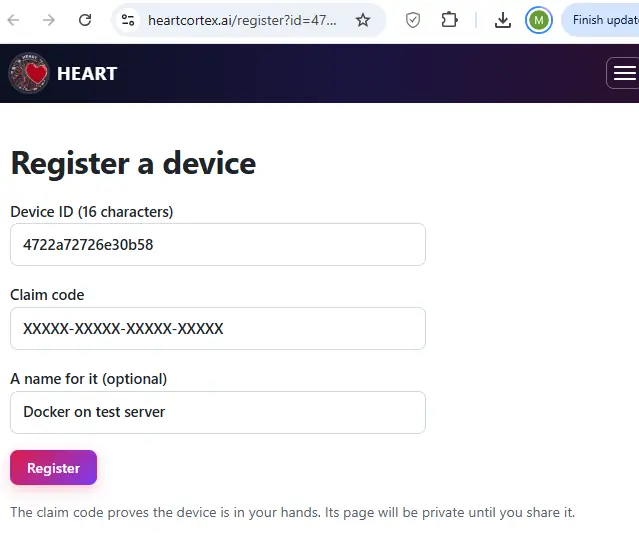
| 1 | 01-register-device.png | The owner registers the device with the device ID and the claim code that Docker's HEART printed once in the daemon's log. (The claim code is hidden here.) |
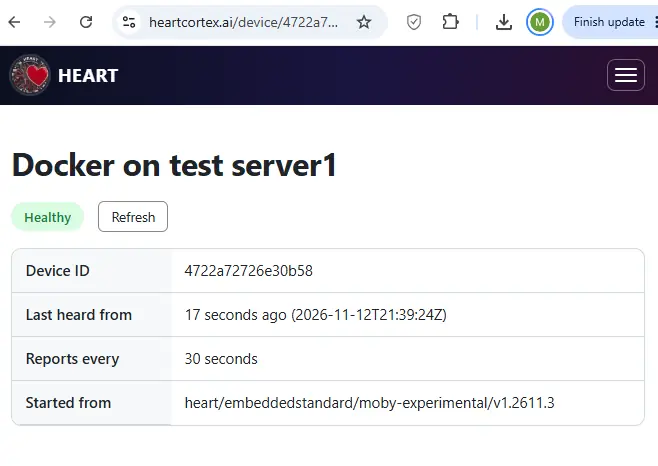
| 2 | 02-device-page.png | The device's private page: Healthy, last heard 17 seconds ago, reporting every 30 seconds |
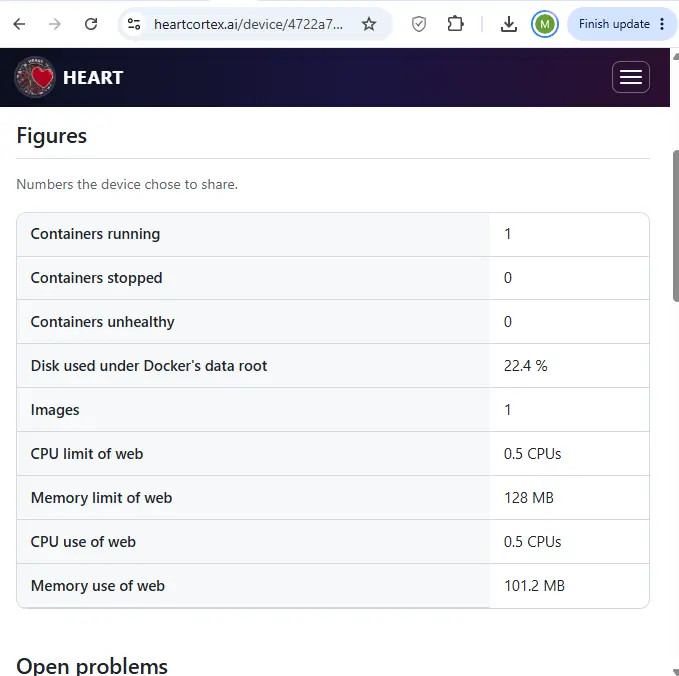
| 3 | 03-figures.png | The figures the device chose to share: containers, images, disk, and web's CPU and memory limits and use. web uses all of its 0.5 CPU. |
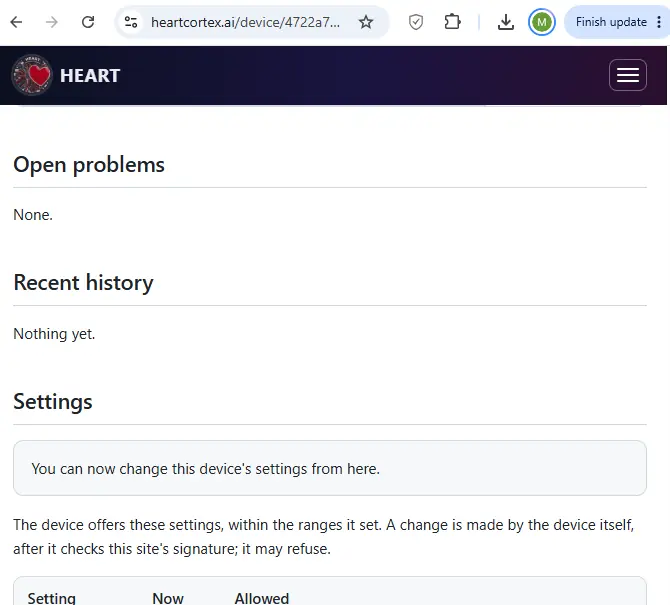
| 4 | 04-problems-history-settings-on.png | No open problems, and the owner turns on changing settings from the site |
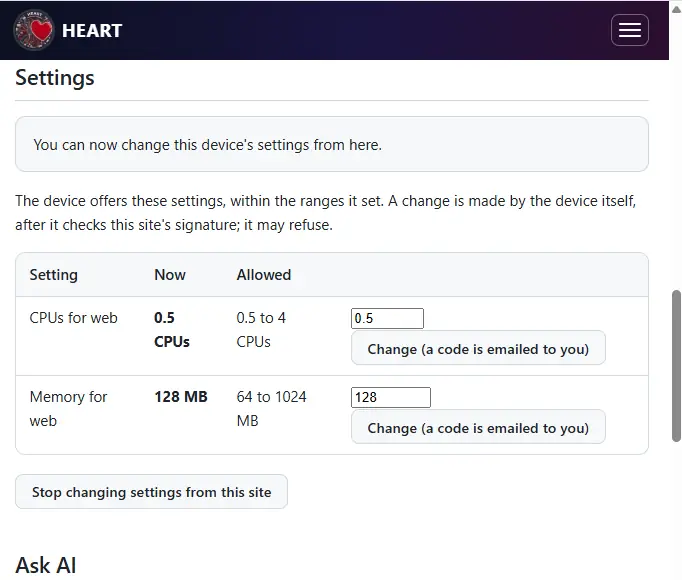
| 5 | 05-settings.png | The settings the device offers, within the ranges it set itself. Each change needs a code sent by email. |
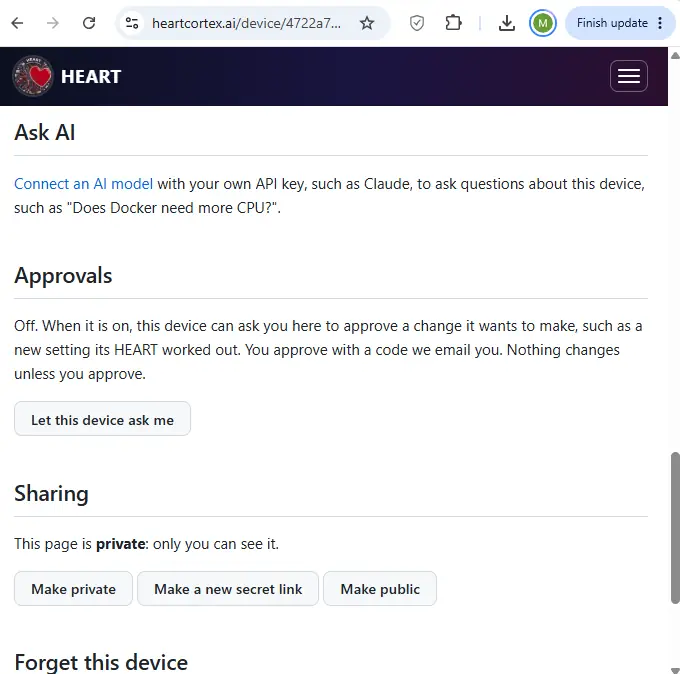
| 6 | 06-ask-ai-approvals-sharing.png | Ask AI before a model is connected, approvals (off), and sharing (private) |
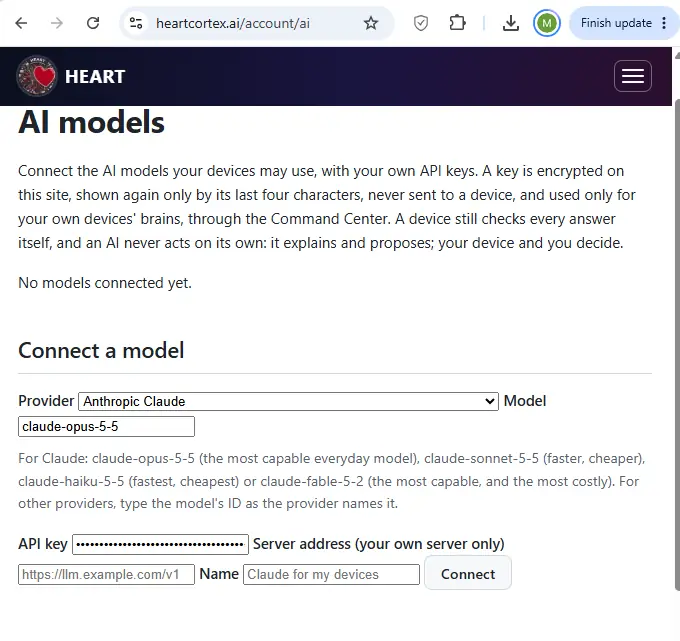
| 7 | 07-ai-models-connect.png | The owner connects Anthropic Claude (claude-opus-5-5) with their own API key |
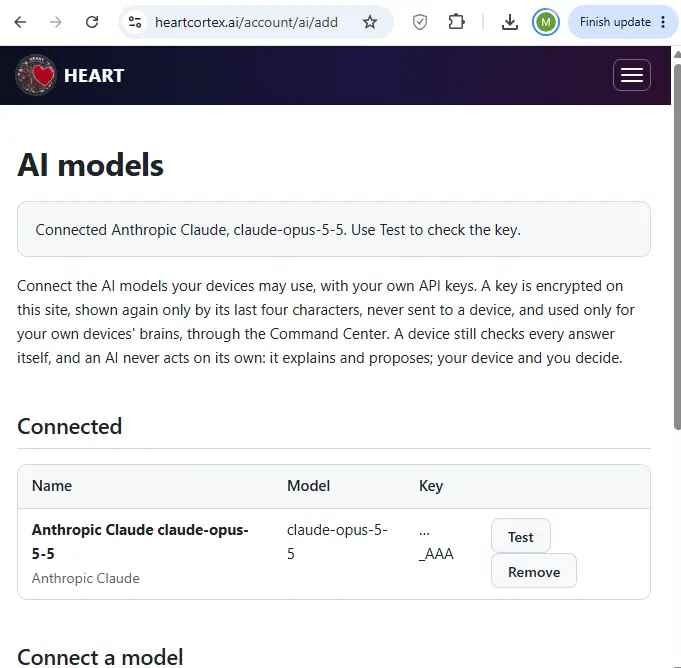
| 8 | 08-ai-models-connected.png | Connected. The key is encrypted on the site and shown again only by its last four characters. |
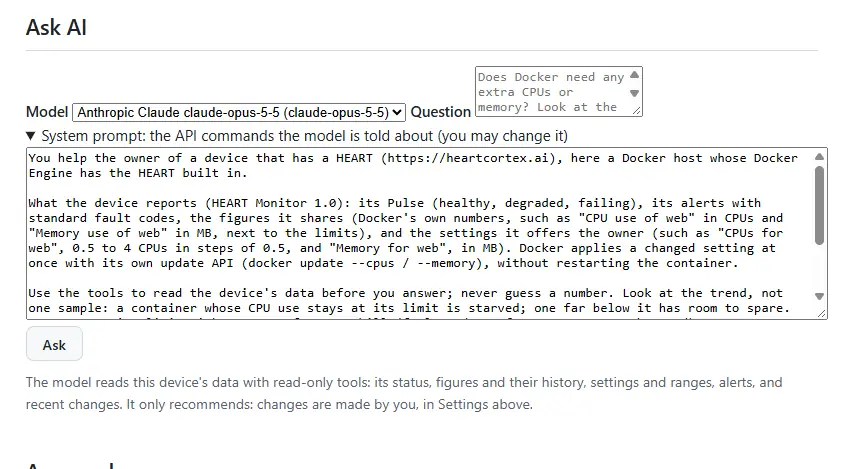
| 9 | 09-ask-ai-system-prompt.png | Ask AI, with the system prompt that tells the model about the device's API. The owner may change it. |
| 10 | 10-ask-ai-question.png | The question: "Does the docker needs additional CPUs?" |
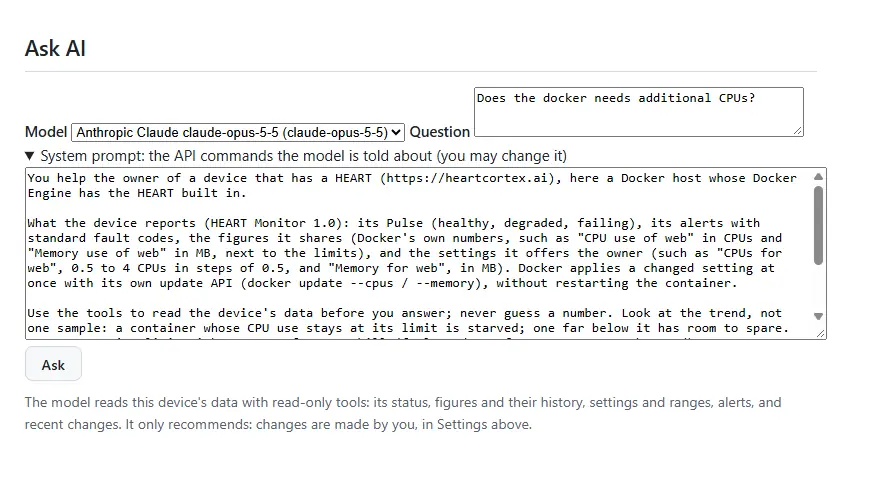
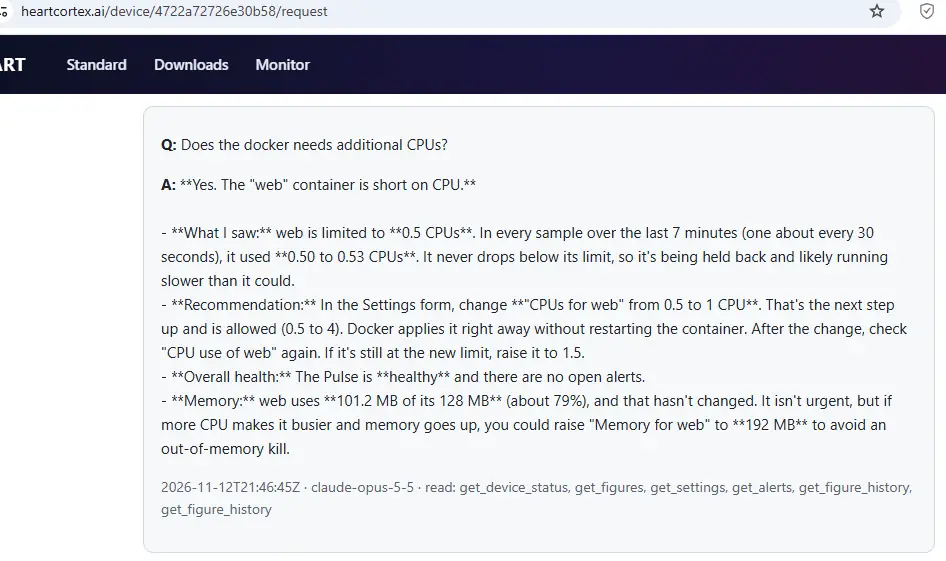
| 11 | 11-ask-ai-answer.png | Claude's answer. It read the status, figures, settings, alerts and 7 minutes of figure history with six read-only tools, and recommended raising web from 0.5 to 1 CPU. The model cannot make the change itself. |
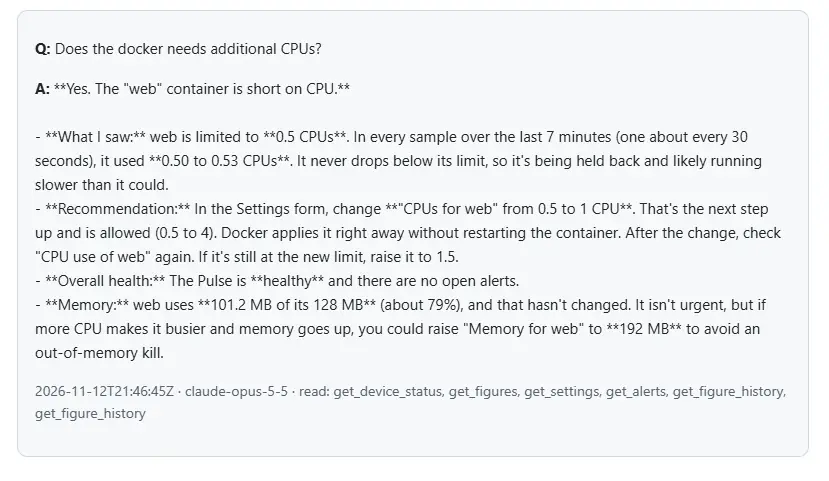
| 12 | 12-settings-change.png | The owner makes the change in Settings |
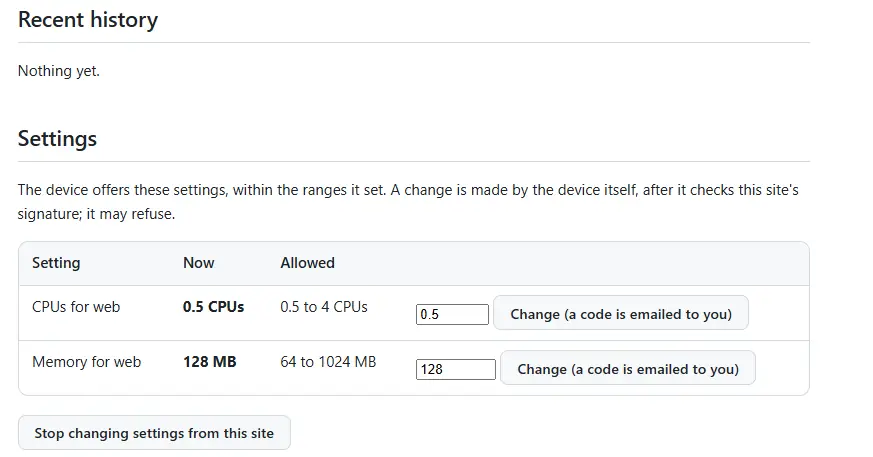
| 13 | 13-answer-after-change.png | The answer kept on the page after the change request |
The screenshots#
1. Registering the device#
The owner registers the device with the device ID and the claim code that Docker's HEART printed once in the daemon's log. (The claim code is hidden here.)
2. The device page#
The device's private page: Healthy, last heard 17 seconds ago, reporting every 30 seconds
3. The figures it shares#
The figures the device chose to share: containers, images, disk, and web's CPU and memory limits and use. web uses all of its 0.5 CPU.
4. Problems, history, and turning on settings#
No open problems, and the owner turns on changing settings from the site
5. The settings it offers#
The settings the device offers, within the ranges it set itself. Each change needs a code sent by email.
6. Ask AI, approvals and sharing#
Ask AI before a model is connected, approvals (off), and sharing (private)
7. Connecting a model#
The owner connects Anthropic Claude (claude-opus-5-5) with their own API key
8. A connected model#
Connected. The key is encrypted on the site and shown again only by its last four characters.
9. Ask AI and its system prompt#
Ask AI, with the system prompt that tells the model about the device's API. The owner may change it.
10. The question#
The question: "Does the docker needs additional CPUs?"
11. Claude's answer#
Claude's answer. It read the status, figures, settings, alerts and 7 minutes of figure history with six read-only tools, and recommended raising web from 0.5 to 1 CPU. The model cannot make the change itself.
12. Making the change#
The owner makes the change in Settings
13. The answer after the change request#
The answer kept on the page after the change request
What happened next#
What happened next, from the logs: the owner asked for web.cpus = 1 and confirmed it with the emailed code at 22:53:46 UTC. The site signed the request. The HEART in Docker checked the signature, the device ID, the age and the range, then asked Docker for the change. Docker applied it at 22:54:09 UTC, 23 seconds after the owner confirmed, without restarting the container. docker inspect then showed NanoCpus = 1000000000.
Notes:
- At the time of these screenshots, the site showed the model's Markdown (such as
**bold**) as plain text. Since the same day, it shows headings, lists, bold, italics and code as formatted text. - The same steps run automatically, against the site's code with a fake Claude API, in
../test_monitor_e2e.py.